
Working as a digital nomad sounds glamorous on paper.
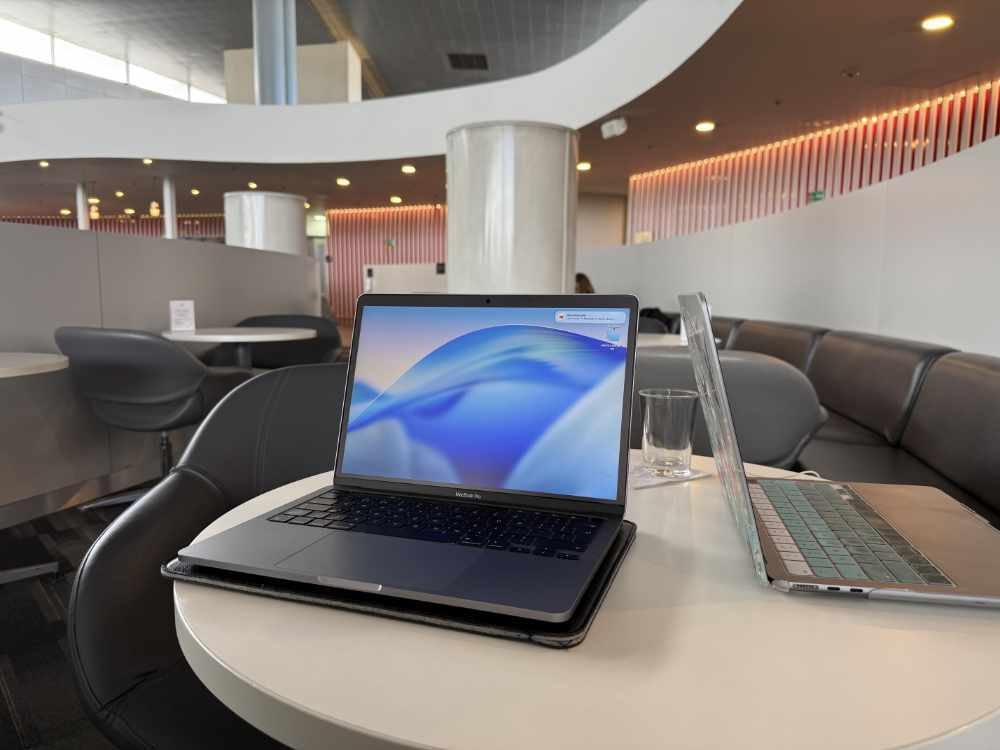
In reality, your “office” is usually a table. Sometimes a chair. And occasionally, it’s a table that wobbles and a chair that hates your spine.
Over the last 12 months, I’ve worked remotely across Bolivia (my base), plus Brazil, Argentina, Colombia, and the Amazonas region. My main income has come from website work, but I’ve also been building Digital Growth 101 — my platform for educational courses, live events, and digital products.
That means my setup needs to travel well and work anywhere.
My rules are simple:
Light (because you carry it everywhere)
Reliable (because it’s your income)
Good quality (because cheap replacements add up)
Low fuss (because travel already has enough chaos)
Protect your back (because travel chairs don’t care about your posture)
Here’s what I carry, why I chose it, and what I’d recommend if you’re building your own mobile work setup.
My core setup (the non-negotiables)
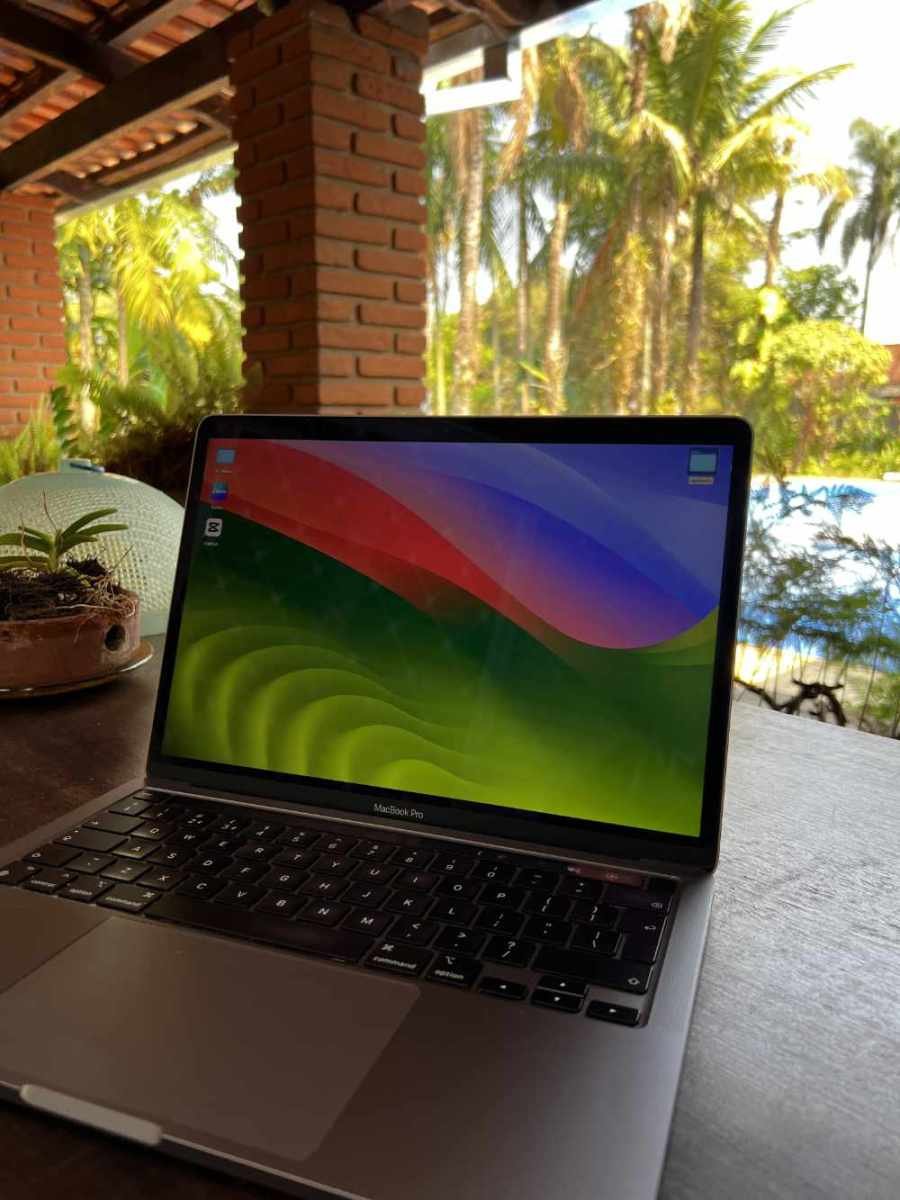
1) Laptop: MacBook Pro M1
This is the heart of my kit. It’s powerful enough for website work, stable enough for day-to-day client projects, and it’s handled the travel life well.
I’m not constantly chasing the newest model. I’d rather use something I trust and know inside out.
Advice: Choose a laptop you can rely on, not one you need to babysit.
2) Phone: iPhone 16 Pro
My phone isn’t just a camera and a map. It’s also part of my work toolkit.
Occasional webcam use
Backup communication
Quick content capture
Hotspot when needed
It’s not the “main setup,” but it’s a very useful safety net.
Advice: Treat your phone like a backup tool, not just a phone.
3) Power: one good charger beats three average ones
This is the unglamorous hero of the whole kit.
I carry a high-watt travel adapter / charger (75W) and it makes a massive difference when you’re charging multiple devices.
It reduces cable chaos, charges faster, and makes everything simpler. If you’re travelling and working, this matters more than people think.
Advice: Invest in one decent charger. It’s one of the cheapest upgrades with the biggest payoff.
4) Bag: Tropicfeel Hive rucksack (with camera insert)
This goes everywhere with me. It’s basically my mobile office.
The camera insert keeps everything protected and organised. It also stops your bag becoming a chaotic ball of cables and panic.
Advice: Your bag is part of your system. If it’s messy, your work feels messy.
Comfort and productivity (the upgrades that actually matter)
When your desk changes every few days, comfort becomes productivity.
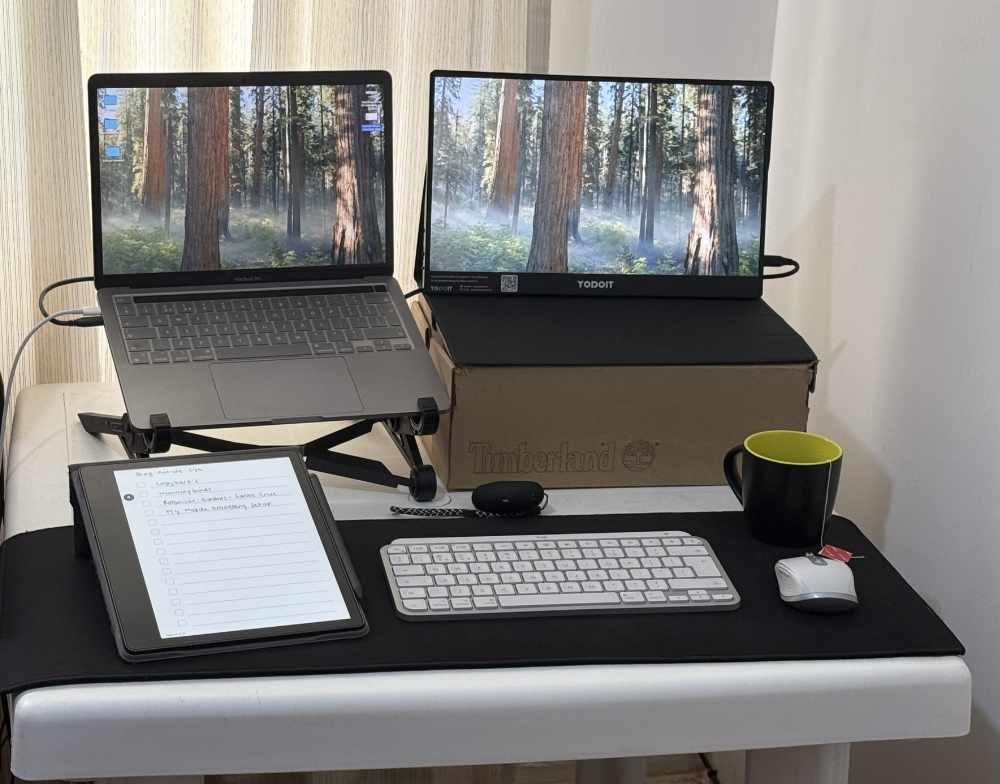
Keyboard: Logitech MX Keys Mini
Compact, solid, and a joy to type on. If you write, plan, message clients, and build websites, this makes everything easier.
Mouse: Logitech MX Anywhere 3S
This is one of those “worth it” items. It works on almost any surface, which is useful when your workspace is a kitchen table or a random café setup.
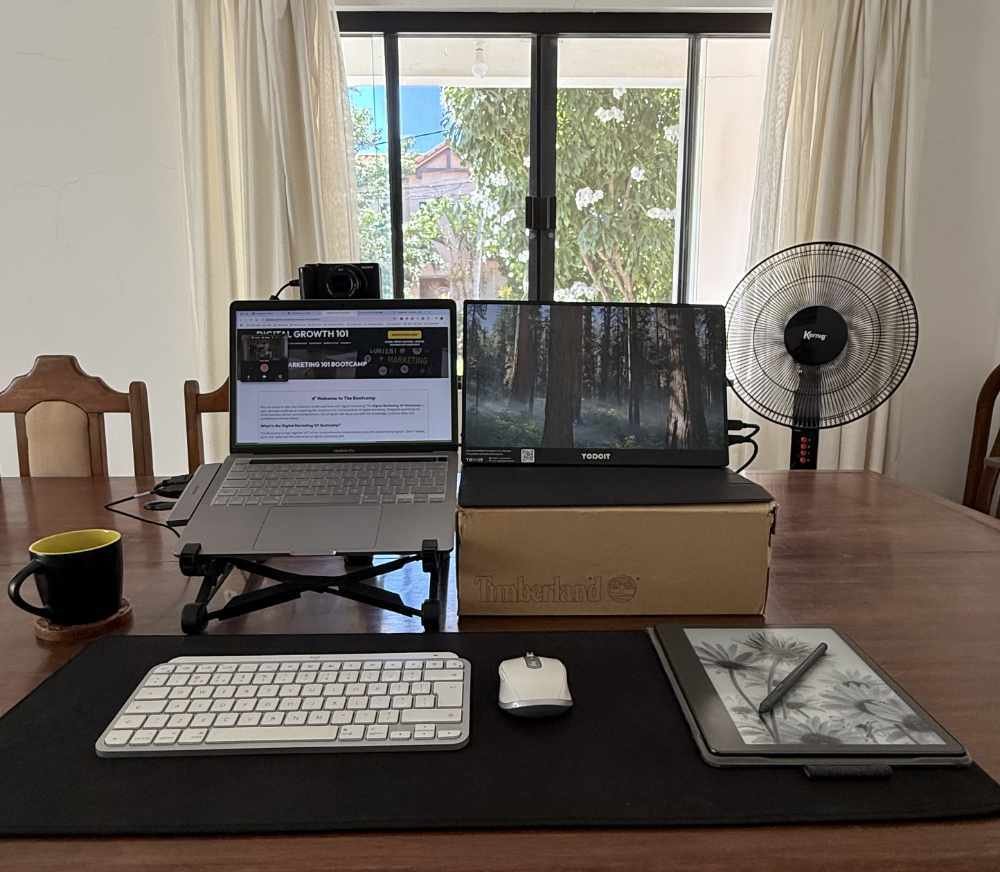
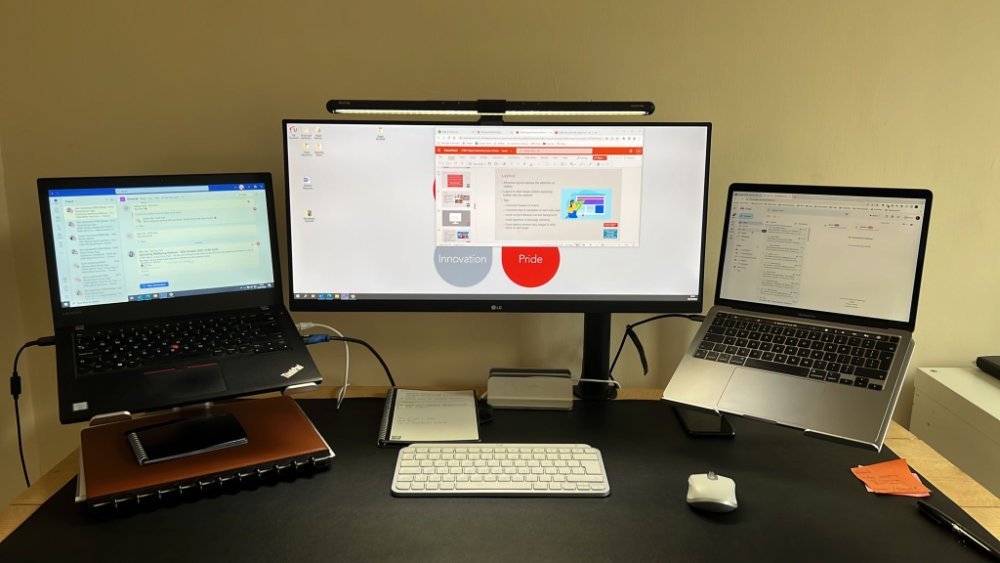
Laptop stand: Nexstand K2
This is my posture saver. It lifts the screen, makes long sessions easier, and helps reduce neck strain.
Portable second screen: 15.6″ portable LCD screen
This is one of my favourite parts of the kit.
A second screen speeds up website work massively. It’s also great for running live sessions where you want one screen for slides and another for chat, notes, or admin.
When you’re travelling, space is limited. A portable monitor is a really practical compromise.
Advice: If your work involves juggling tools, a second screen is one of the biggest upgrades you can make.
Audio: calls, workshops, and staying focused
AirPods Pro 2
These are my daily go-to. Easy, portable, and great for calls and focus sessions.
Marshall Major IV headphones
More of a comfort choice. Ideal for longer listening sessions, travel days, or when you want to block out the world.
My camera upgrade: the thing that makes everything feel more professional
This is the one addition I’ve really loved.
I use a Sony ZV-1 as a webcam for:
workshops
video calls
live events
content creation
The quality difference is noticeable. It makes online work feel more polished, especially when you’re running webinars or teaching sessions.
I’ll also use my iPhone as a webcam occasionally, but the ZV-1 is now my main setup when it matters.
Advice: If you teach online or run webinars, improving your webcam can be a bigger upgrade than buying more gear.
Internet in South America: the reality (and why “Plan B” isn’t always possible)
This is the part people don’t talk about enough.
Bolivia, Argentina, Brazil: surprisingly stable
Broadband in Bolivia, Argentina, and Brazil has been very stable for me. Better than many people expect.
The Amazon reality: Starlink, storms, and power cuts
In the Amazonas region, I used Starlink, and when it’s working, it’s great.
But storms are a different story.
When the weather hit, it could drop out. We also had regular power cuts, which was… a pain in the arse.
Here’s the honest part:
There was no Plan B.
When the broadband dropped, the mobile signal often went too.
So instead of relying on a magical backup connection, the real solution was risk management:
most storms happened late evening
my main client base is in the UK
the time difference meant they’d usually be asleep anyway
so my “backup plan” was timing, not tech
Luckily, I didn’t have it drop during a live workshop. But it’s a good reminder that when you’re travelling somewhere remote, you need to think about when you schedule calls, not just what gear you carry.
Advice: In remote locations, your best backup might be your calendar.
Where I actually work (and how I adapt)
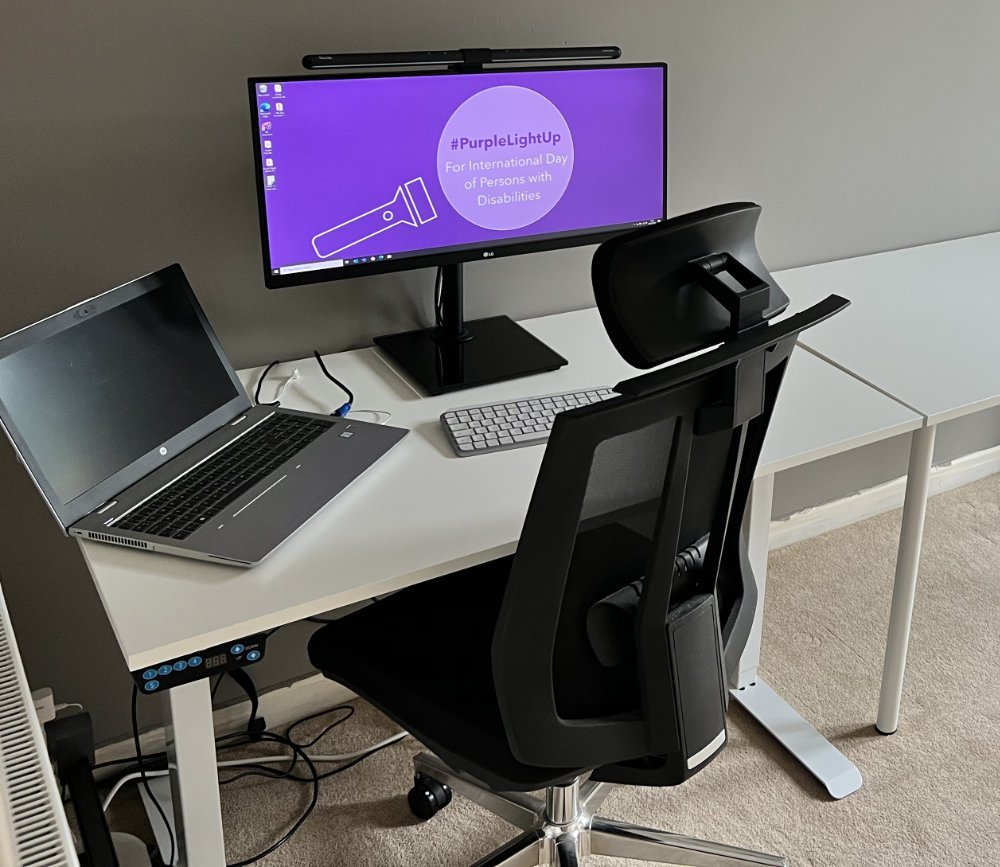
In Swansea (Mumbles): the “heaven” setup
When I’m back home, I’ve got the dream setup:
an electric sit-stand desk
a good quality ergonomic chair
and my 32″ widescreen monitor
It’s honestly heaven.
Not because it’s fancy, but because it makes long work sessions comfortable. And once you’ve worked from dining tables and random chairs for months, you really appreciate a setup that supports your body properly.
What it reminds me: comfort isn’t a luxury. If you’re working for hours, it’s part of doing the job well.
Travelling teaches you flexibility. Coming home reminds you what your spine has been missing.
In Bolivia (my base)
I have a desk there too, but I often work at the dining table in the morning because it has a better thinking view.
Sometimes the right view beats the perfect setup.
While travelling
If we’re staying somewhere for around four months, I’ll often buy a cheap desk. It’s worth it.
Otherwise, I use whatever is available and let my kit do the heavy lifting.
That’s exactly why I carry the keyboard, mouse, stand, and second screen.
Advice: Don’t expect perfect workspaces. Build a kit that makes imperfect spaces workable.
The software I actually rely on (simple and trusted)
Gear is useful, but software keeps the wheels turning.
My daily drivers:
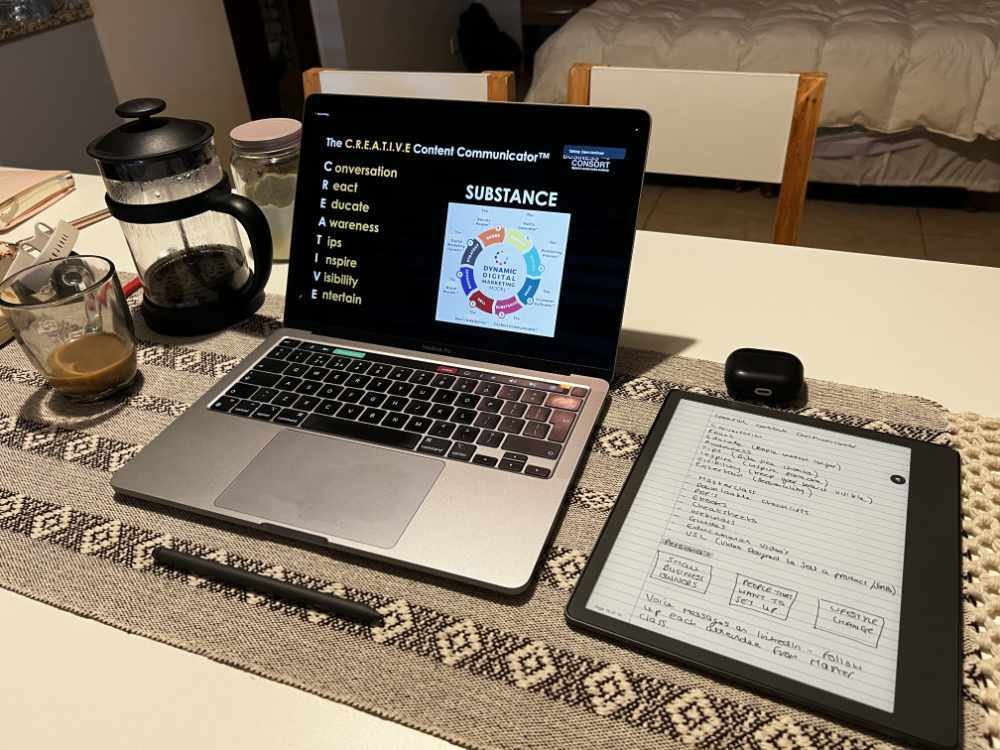
Evernote (second brain)
TickTick (tasks and reminders)
Kindle Scribe (used daily, bullet journal principles)
TidyCal (bookings)
Zoom (calls)
Meetn (webinars — reliable so far)
LastPass (password management)
Google Workspace (email + storage)
I’m not trying to use everything. I’m trying to use what I trust.
If a tool adds friction, I remove it.
Advice: A small, reliable stack beats a complicated one you don’t maintain.
What I’d recommend: three setup levels
If you’re building your own kit, here’s a simple way to think about it.
1) Starter kit (minimum viable)
reliable laptop
phone
one good charger
earbuds/headphones
a bag that keeps things organised
2) Comfort kit (big productivity jump)
compact keyboard
travel mouse
laptop stand
This is the point where long work sessions become manageable.
3) Workshop + client delivery kit (what I use)
portable second screen
strong charger
quality audio
better webcam (if you present/teach)
This is a setup that supports real work, not just “answering emails”.
If you only upgrade one thing…
Make it your chair + desk situation, or at least the stand + keyboard combo.
Comfort affects focus more than any app ever will.
And when you’re travelling, your body will remind you very quickly.
Final thoughts after 12 months
The best travel setup isn’t the most expensive one.
It’s the one that:
works on bad tables
adapts to weird spaces
handles unstable internet
and keeps you productive without frustration
My kit is built around three things:
reliability
comfort
flexibility
And the biggest lesson?
If you make remote work easier, you’ll do more of it. And you’ll enjoy it more too.
Over to you: What’s the one thing you always carry that you couldn’t work without?
Reusable “What’s in my bag” checklist
My mobile work setup
MacBook Pro M1
iPhone 16 Pro
75W travel adapter / charger
Tropicfeel Hive rucksack + camera insert
Logitech MX Keys Mini keyboard
Logitech MX Anywhere 3S mouse
Nexstand K2 laptop stand
15.6″ portable LCD screen
AirPods Pro 2
Marshall Major IV headphones
Sony ZV-1 (as webcam)